Account, Sign-in and Settings
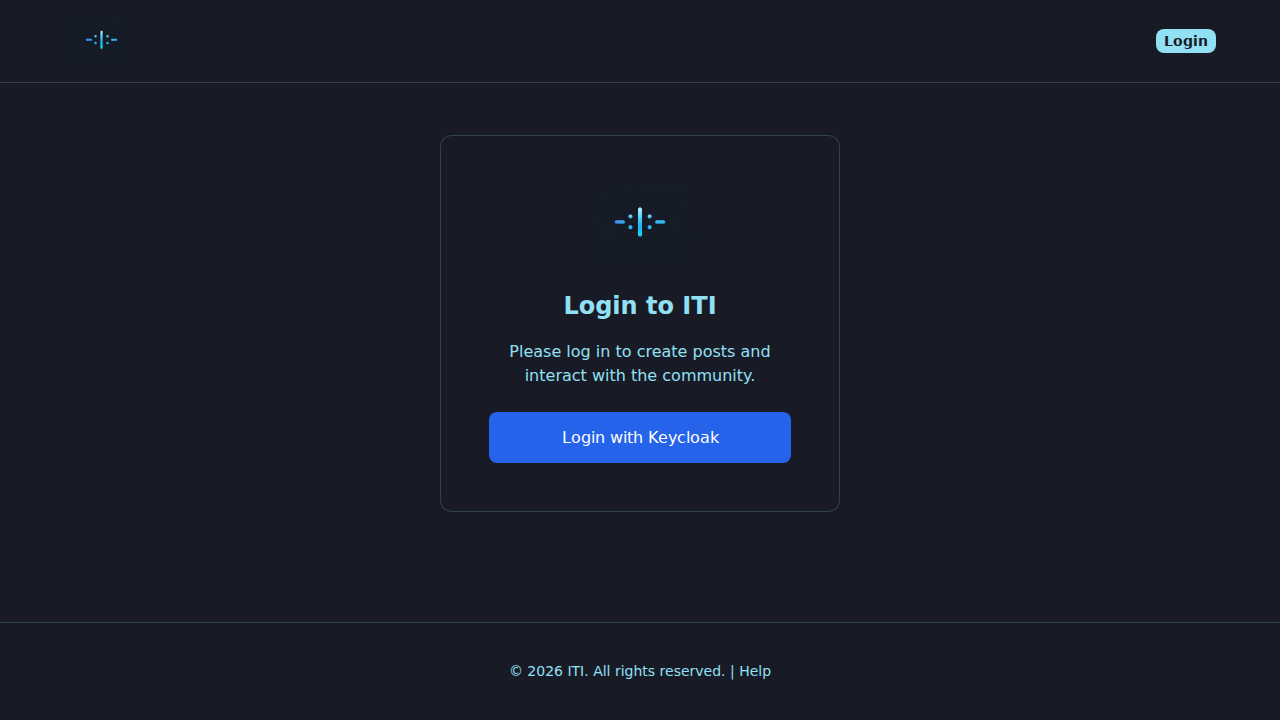
To write wanted posters, comment, send messages or moderate, you need to be signed in. Authentication is handled by Keycloak — our identity partner — so the sign-in window may briefly take you to a separate page before bringing you back to the I Think It’s You site.
Creating an account
Open I Think It’s You in your browser.
Click Sign in / Login in the header.
The Keycloak page opens. Click Register (or “Don’t have an account? Register”).
Fill in the registration form:
Username — the name you’ll appear as on the platform. Keep it tactful: it shows up next to every wanted poster and comment you write.
E-mail — used for password recovery and verification links. We never publish your e-mail.
Password — must meet the security requirements (see Password requirements).
Confirm your e-mail if you receive a verification message (check your spam folder, and add
noreply@i-think-its-you.atto your contacts).You’ll be redirected back to I Think It’s You and signed in automatically.
Password requirements
Your password must:
be at least 12 characters long,
contain at least one uppercase letter (A–Z),
contain at least one lowercase letter (a–z),
contain at least one digit (0–9),
contain at least one special character (e.g.
! @ # $ % & * ?).
Pick something memorable but unique to I Think It’s You. A password manager makes this painless.
Signing in
Click Sign in / Login in the header.
On the Keycloak page, enter your username or e-mail and your password.
Click Sign in.
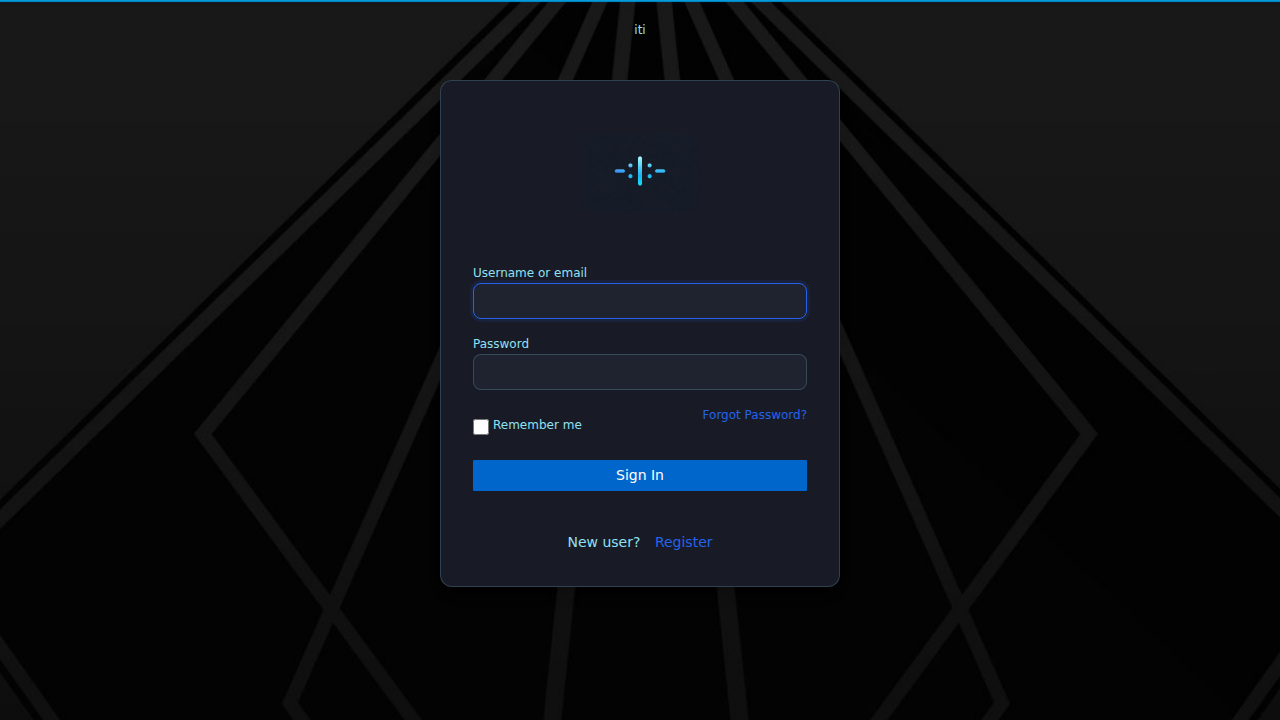
You’ll come back to the page you were on, now signed in. Your username appears in the header, and the bell, chat, profile and Create wanted poster options become available.
Staying signed in
I Think It’s You uses secure tokens that refresh automatically. You stay signed in as long as:
you don’t sign out manually,
your device keeps its cookies,
the session token is still valid (sessions expire after a while for safety).
If you’re suddenly logged out, just sign in again — it’s not a sign that anything is wrong.
Signing out
Open the user menu in the header (your username or profile icon).
Choose Sign out / Logout.
You’ll go back to the public view. On a shared computer, always sign out — and ideally close the browser window too.
Forgotten password
On the Keycloak sign-in page, click Forgot password?.
Enter your e-mail. Keycloak sends a reset link.
If the e-mail doesn’t arrive within a few minutes, check the spam folder and look for
noreply@i-think-its-you.at.Follow the link, choose a new password that meets the rules above, and sign in again.
Changing your e-mail or username
These are managed by Keycloak, not by the I Think It’s You site directly. Go to your Keycloak account-management page (linked from the sign-in flow) or contact us through the Contact form on the website if you need help.
Language and theme
The header carries two small toggles you can use any time:
Language — switch between Deutsch and English. Your choice is remembered between sessions.
Theme — switch between light and dark mode. The dark theme uses a deep olive instead of pure black to stay on brand.
These choices apply to the whole website — including the wanted poster forms, the search window and this help.
Login security tips
Never share your password.
Use a different password from other sites.
Sign out on shared or public devices.
If you receive a message you didn’t expect (e.g. a password reset you didn’t request), ignore the link and write to us via the Contact page.
What’s next?
Your Profile — manage your profile picture, see your activity.
Wanted Posters (Steckbriefe) — write your first wanted poster.
Troubleshooting — fixes for sign-in issues.