Moderation
Anyone can report content. Users with the MODERATOR or ADMIN role can also review reports, hide or restore content, see the edit history of posts, and (for admins) manage the moderator team.
This chapter has two parts:
For everyone – how to report a post or a comment.
For moderators and admins – the moderation pages, queues and actions.
For everyone: report content
If a wanted poster or comment violates our community rules, you can flag it. The platform hides the content from the public list until a moderator has reviewed it.
To report a wanted poster:
Open the post detail page.
Click Report.
Optionally add a short reason (“identifying data”, “harassment” …).
Click Flag post. You’ll see a confirmation.
To report a comment:
Find the comment under the post.
Click the Report action on the comment.
Optionally add a reason.
Click Flag comment.
The post or comment is hidden from the public feed and added to the moderators’ queue. You can keep using the platform as usual.
For moderators and admins
When you are signed in with the MODERATOR or ADMIN role, four extra links appear in the header:
Flagged Posts –
/moderation/flagged-postsFlagged Comments –
/moderation/flagged-commentsDeleted Posts –
/moderation/deleted-postsDeleted Comments –
/moderation/deleted-comments
ADMIN users additionally see Moderators to manage the team.
Note
If you don’t see these links and you should, sign out and back in to refresh your token. If they still don’t appear, ask an admin to add the MODERATOR role to your account.
Flagged content
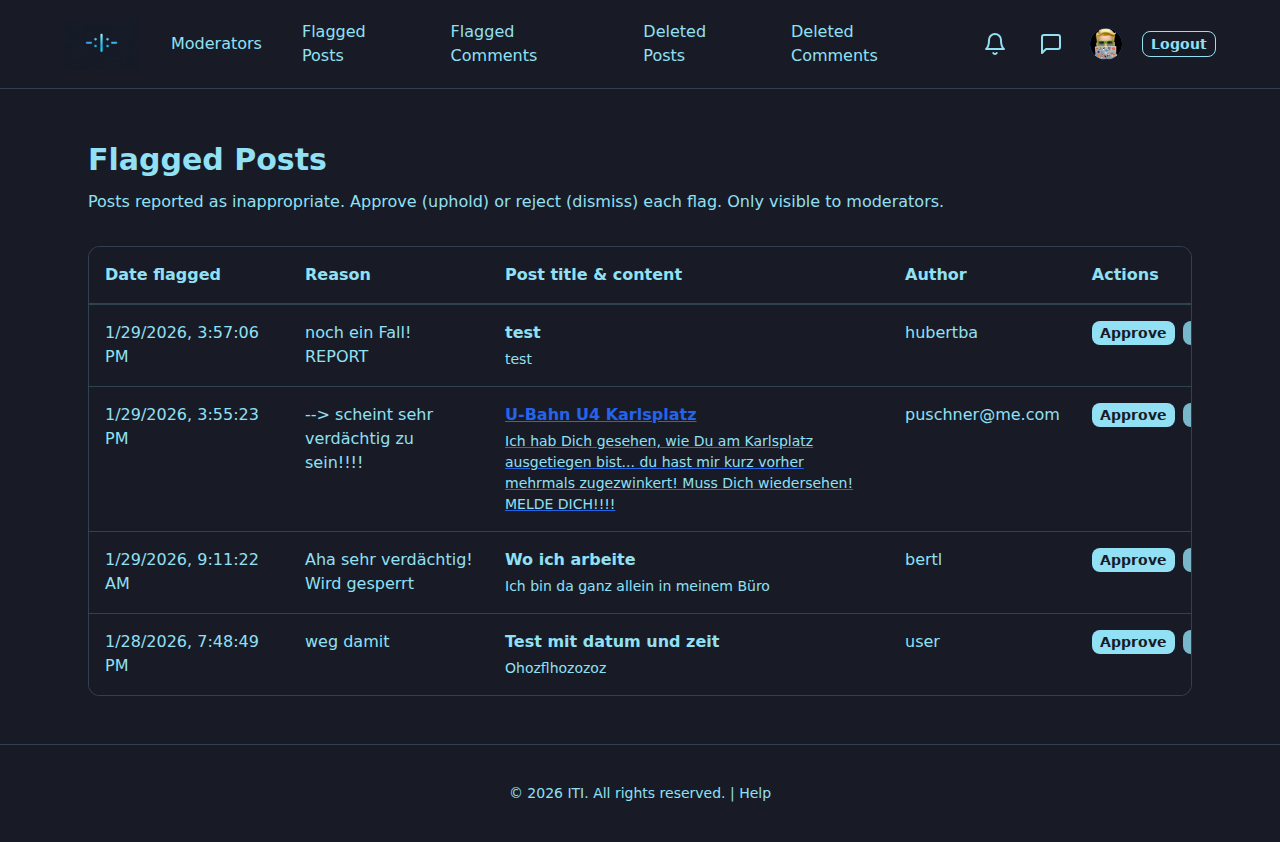
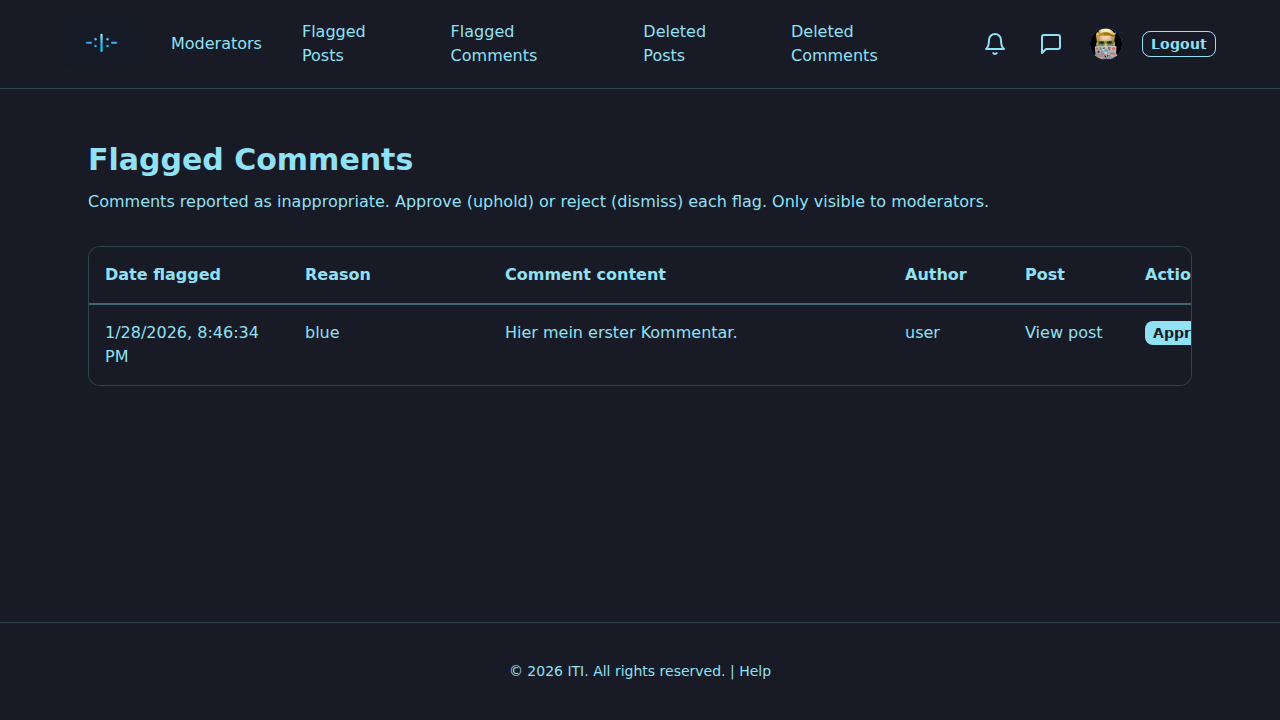
The flagged-posts and flagged-comments queues list every reported item. For each entry you see who flagged it, when, the reason (if any), the title and content, and the author.
Two actions per row:
Approve – uphold the report. The post or comment stays hidden (or, for comments, is soft-deleted). You may add an optional reason for the audit.
Reject – dismiss the report. The post or comment becomes visible again. Optional reason as well.
Approve and reject both record who acted, when and why. The flag is then closed.
Soft-deleted content
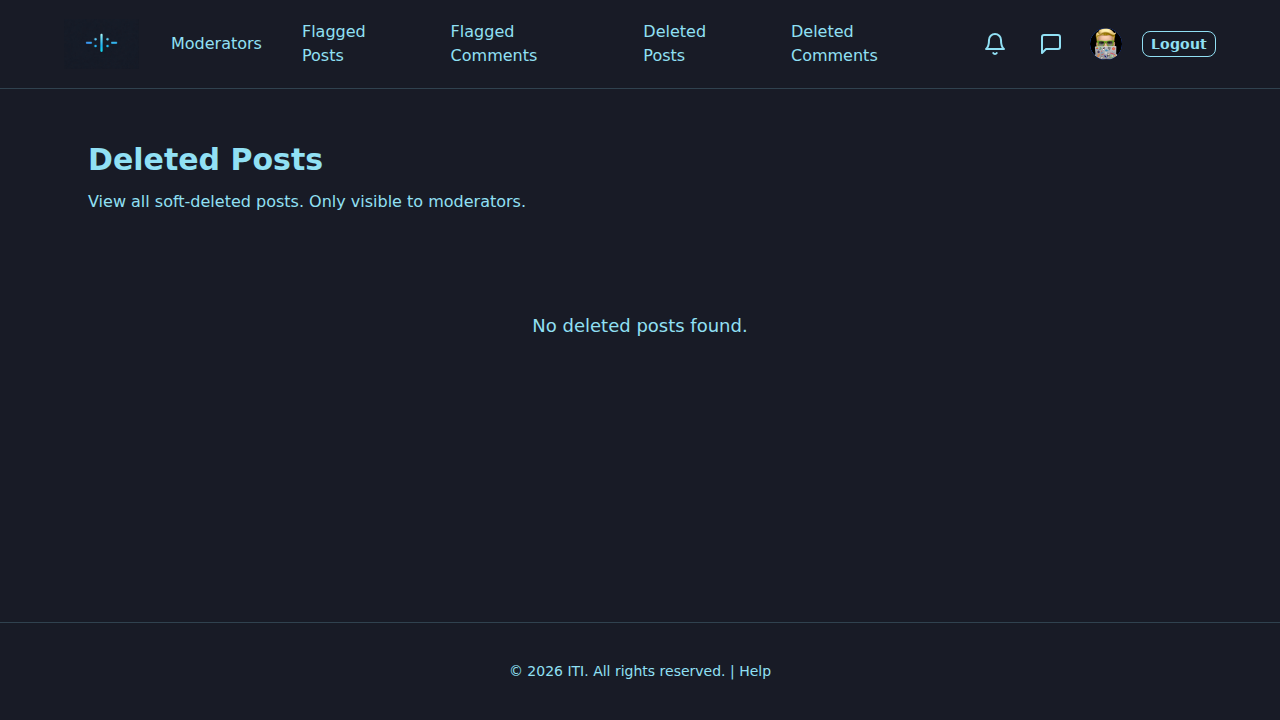
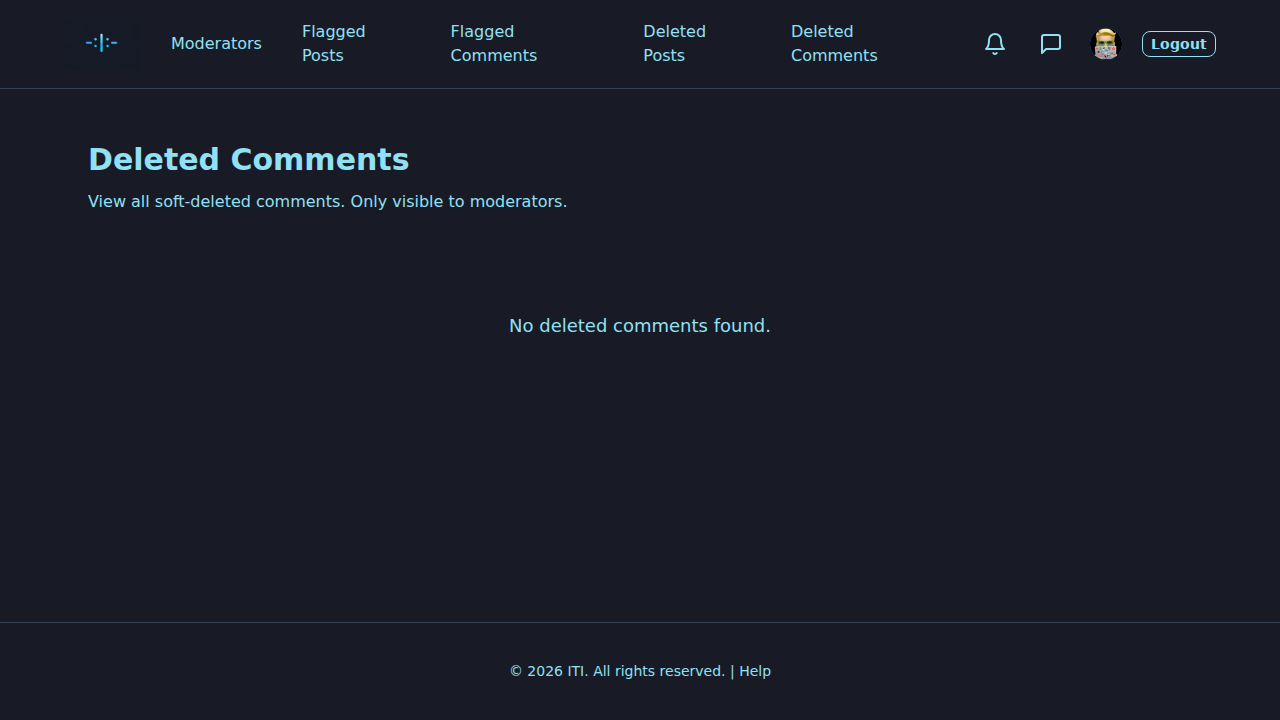
When an author deletes their own post or comment, or when you soft-delete one, the item is removed from the public feed but kept in the database. It then appears in Deleted Posts / Deleted Comments.
Per row you can:
View – open the item in its (deleted) state.
Restore – bring it back. A reason is required so other moderators can follow your reasoning.
Delete permanently – wipe it from the database. This cannot be undone. Prefer restore over permanent delete unless you have a strong reason (legal request, repeated abuse, …).
Moderation actions on individual posts and comments
Even outside the queues, while you browse the regular feed:
On a post: you can Soft delete or Restore it, and view the Edit history (every change to title, content, sighting type, reward, tags, etc., with timestamps and the actor).
On a comment: you can Soft delete or Restore it.
Soft delete and restore both ask for a short reason where required.
Edit history
The edit history shows the chain of changes for a post: previous and new value side by side, who changed it, when, and the optional reason. It’s the audit trail you can rely on when judging a flagged or restored post.
For admins: manage moderators
ADMIN users have an extra page “Manage moderators” (/administration/moderators). There you can:
Add moderator – type a username and click Add as moderator. Only people who have already posted, commented or messaged are findable by name.
Remove moderator – revoke the MODERATOR role from a user; they keep their account but lose moderator capabilities.
Best practices
Review promptly. Hidden content piles up if it sits too long.
Be consistent. Apply the rules the same way to everyone.
Always add a reason on restore or permanent delete – it helps the next moderator.
Prefer soft delete over permanent delete – it’s reversible.
Use edit history before judging an edited post; sometimes context changed.
Trouble?
The actions don’t work – make sure you provided the required reason. Check your network and try again.
You don’t see moderation links – your account doesn’t have the role; ask an admin.
Restore failed – the underlying author may have been deleted; contact an admin.
What’s next?
Wanted Posters (Steckbriefe) and Comments – the content you’re moderating.
FAQ – common questions about moderation.