Notifications
Notifications keep you in the loop without making the platform noisy. The bell icon in the header is your control centre.
The notification bell
When you’re signed in, the header shows a small bell with an unread badge if anything is waiting. The badge counts up in real time as new notifications arrive.
Click the bell to open a dropdown with your most recent notifications and an action bar.
Each notification shows a type, a short description (“alex commented on your post: …”), a timestamp (“5 minutes ago”) and a link to the related content. Click it to open the post – the notification is marked as read automatically.
What you get notified about
We try to send only notifications that are actually useful:
New comment on your post – someone commented on a wanted poster you wrote.
New direct message – someone messaged you (also surfaced as the chat icon badge in the header – see Direct Messages).
The notifications page
For the full list with pagination and bulk actions, open the notifications page (/notifications) – the View all link in the dropdown takes you there.
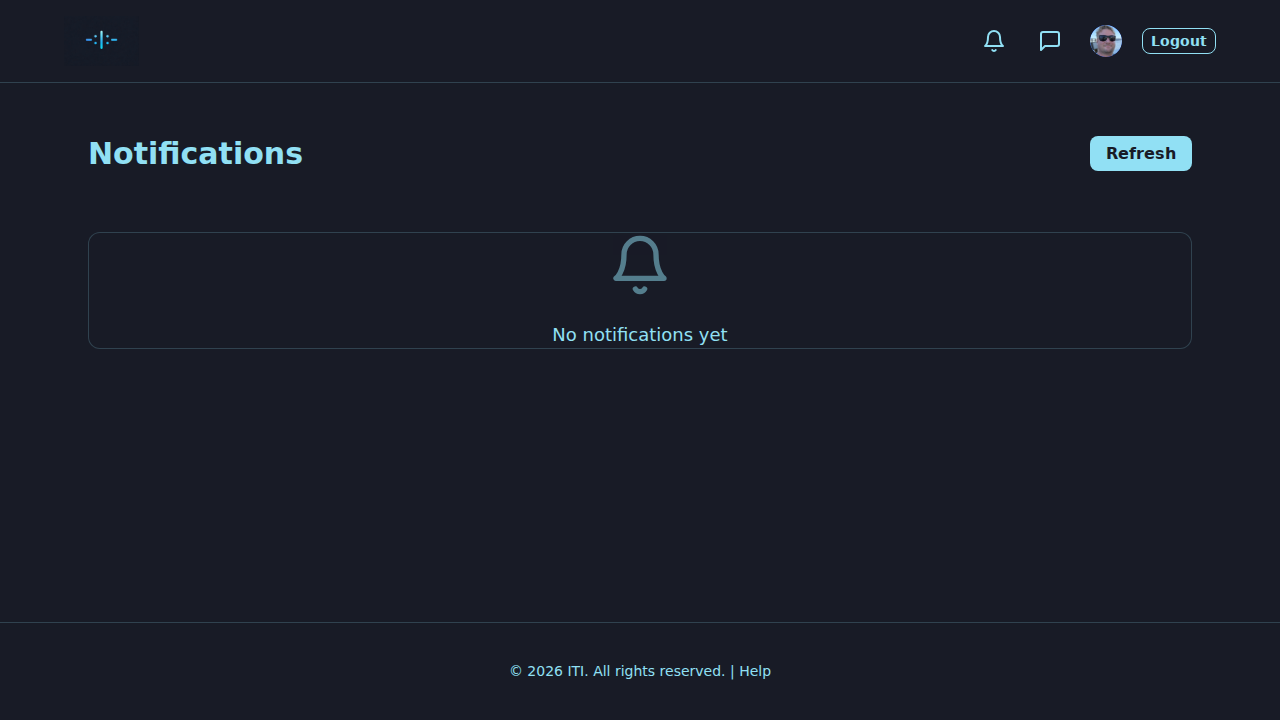
On this page you can:
Mark all read – removes the unread badge in one click.
Clear all – deletes every notification (asks you to confirm).
Refresh – reload the list.
Load more – page through older notifications.
Empty list, fewer notifications
If there’s nothing waiting, you’ll see “No notifications yet”.
The bell hides its badge when the unread count is zero.
You don’t currently get notifications for your own actions.
Privacy and visibility
Notifications are only visible to you.
Each notification only links to content you would already be able to see.
No e-mails are sent unless we say so explicitly. Your inbox stays calm.
Troubleshooting
No notifications at all – make sure you’re signed in. Check the network connection. A page refresh usually fixes a stale dropdown.
Wrong unread count – use Mark all read to reset, then refresh the page.
Can’t open the page – verify you’re signed in; the page is private. If the issue persists, see Troubleshooting.
What’s next?
Comments – the comments that often trigger a notification.
Direct Messages – the chat icon and its own unread badge in the header.